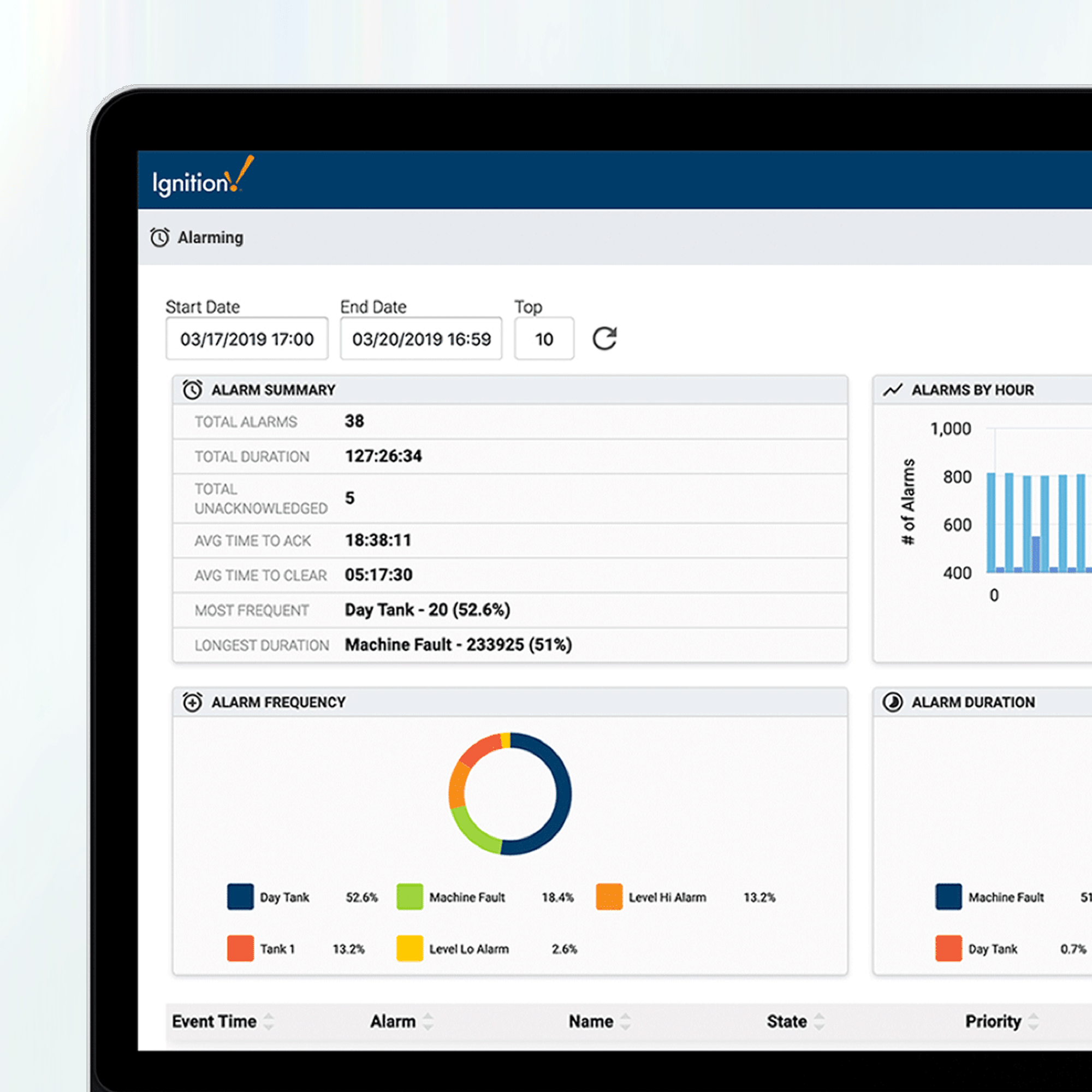
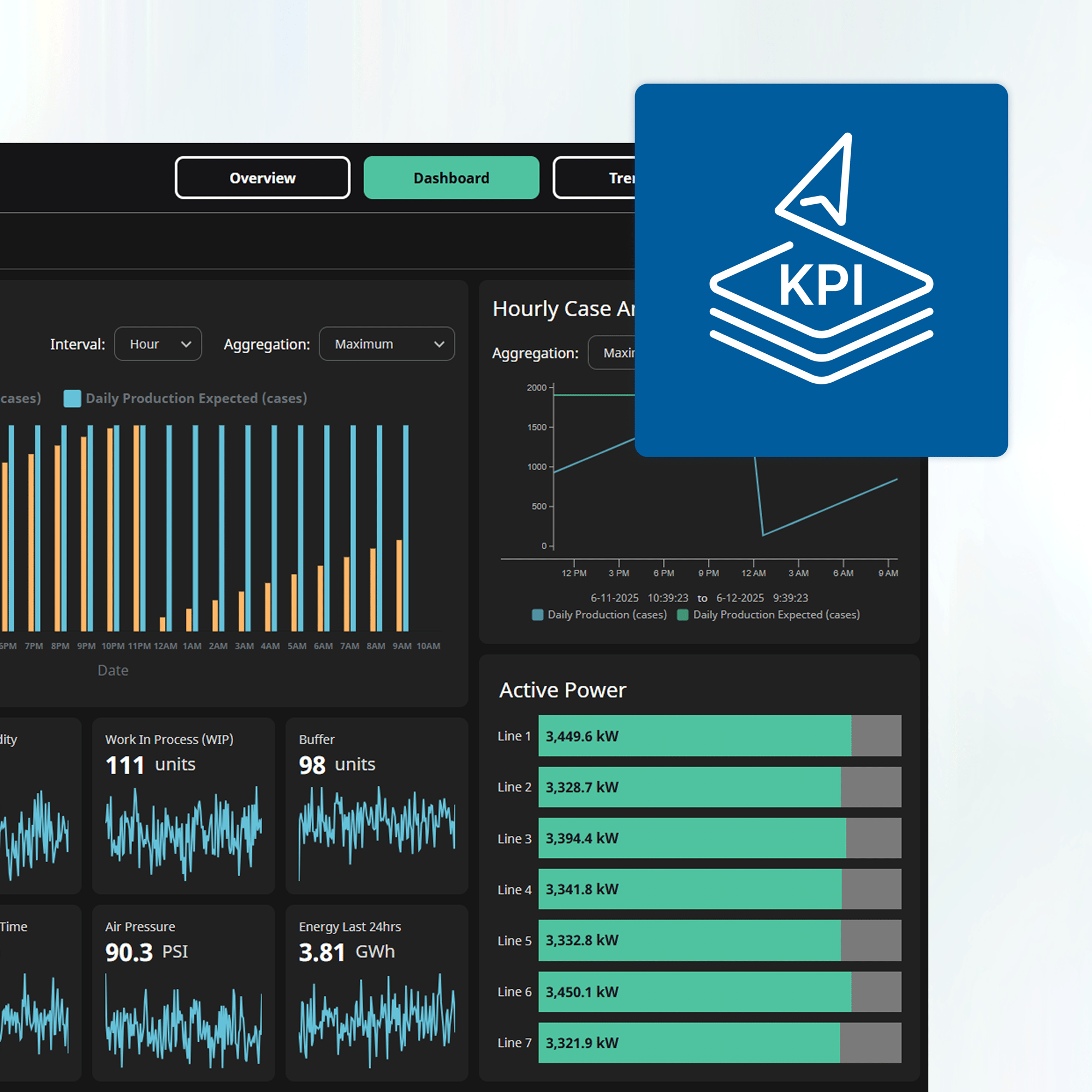
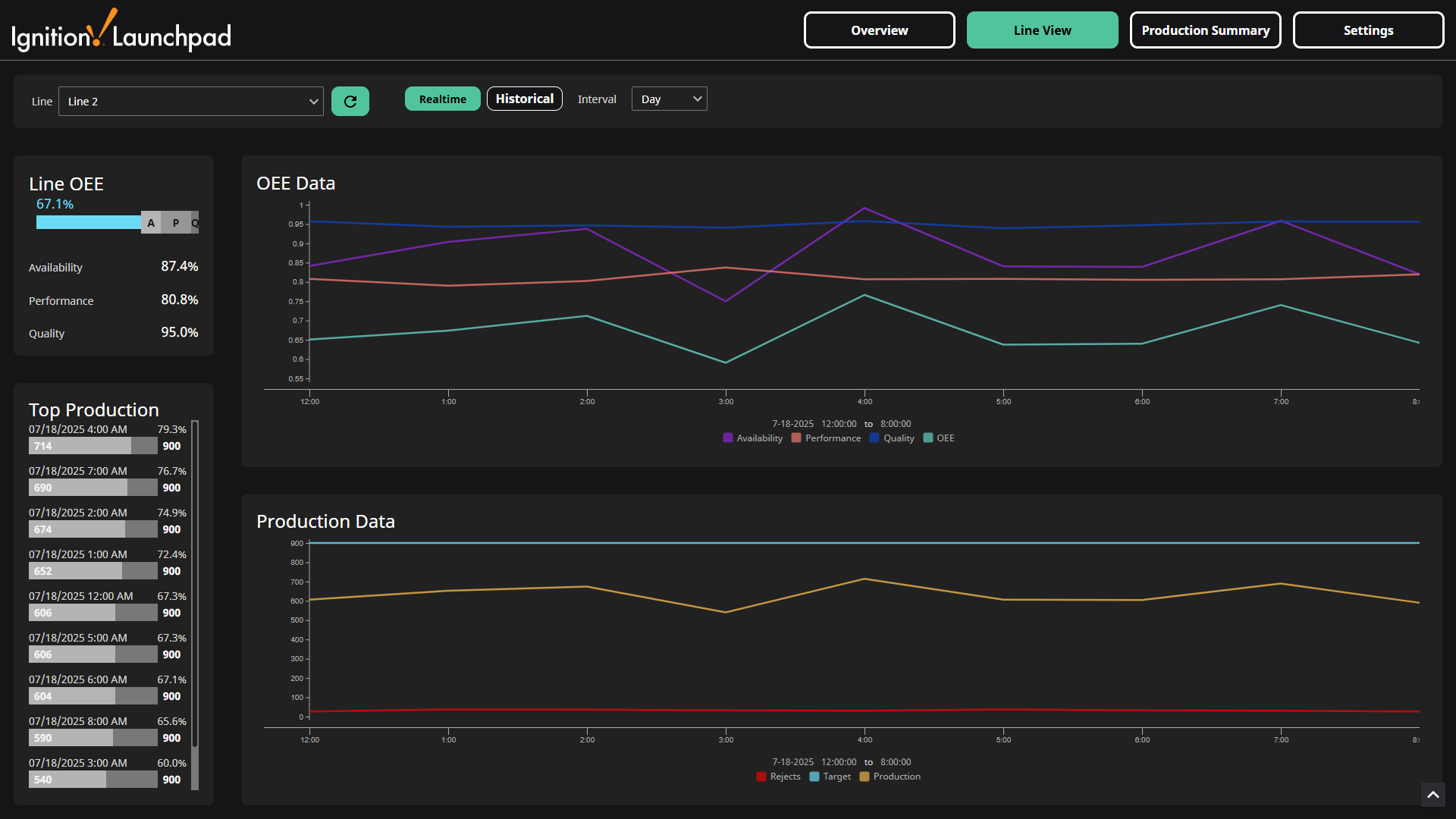
This page provides all the resources necessary to successfully build and sell Ignition projects.
Two plug-and-play Ignition projects: KPI Dashboards & OEE
Step-by-step instructions, tips, and walkthrough videos
Downloadable slide decks for presenting Ignition to your customers
"With the Launchpad projects, you can create a working Ignition project to show your customers in minutes — winning an Ignition project has never been easier."
GETTING STARTED
5 Steps to Liftoff
Follow these five simple steps to create an Ignition Launchpad project, get your pitch deck ready, and make a successful Ignition sales pitch!
STEP 1
Install Your Ignition Gateway
If you don’t already have Ignition, visit the Inductive Automation website to download Ignition for free in minutes. Need help getting started? Follow the directions in our Startup Guideto quickly set up your system.
There are two Launchpad projects to help jumpstart your Ignition solutions. Watch the explainer videos below to see what each project offers, the value they bring, and sales tips for presenting them.
KPI Dashboard Launchpad Project
This ready-to-use project provides easy access to real-time and historical data through a user-friendly, factory-ready, and fully responsive interface. It enables continuous improvement and troubleshooting by allowing users to filter time frames and intervals to utilize KPIs. This project includes multiple KPI types, a complete ad hoc dashboard, trending and alarming tools, and more.
This ready-to-use project provides users with real-time and historical data through a user-friendly, fully responsive dashboard for monitoring Overall Equipment Effectiveness (OEE). Featuring easily configurable components, the project offers detailed visibility into target rates, shifts, top production counts, and more. All this data, along with trends over time, can help support your customers' continuous improvement efforts. The OEE Project is ready for immediate deployment or you can customize it to meet specific customer needs.
Visit the Ignition Launchpad Manual for a step-by-step walkthrough for configuring your project to your specifications. Watch videos and read along to get the most out of each project.
In addition to the sales tips included in the KPI and OEE videos above, download these ready-to-use slide decks to guide customer conversations and showcase what you can do with Ignition.
You are now ready to pitch your Ignition project with confidence. If this is your first time pitching an Ignition project, start with a current client. Your familiarity with their facilities, hardware, networks, and staff provides the trust and knowledge necessary to show how the project can help them.
When you are ready to install your Launchpad project at a customer facility, contact your account representative to activate your Ignition license.
“The Launchpad projects are set up with a scalable design in mind, provide immediate value, and are easy to extend with new functionality.”
MISSION SUPPORT
Looking for Help?
Visit the Ignition Forum for technical guidance from the Inductive Automation team and our Ignition community as you customize your project.
Built for system integrators and control engineers, Ignition empowers you to develop and deploy any industrial application for any industry, all with one platform.
Impress customers with sleek, functional demos
Jumpstart projects with minimal engineering time
Join a dynamic, growing community of Ignition users
Future-proof your offering with Ignition’s powerful, flexible platform
Trusted by Thousands of Companies Across the Globe
Launch Today
Download Launchpad and an unlimited Ignition trial today, so you can beat your competition to the next bid, wow your customers, and watch your integration business take off.